 xOTT
xOTTTelegram notifications
Connect a private chat, group, channel or forum topic and verify delivery before relying on alerts.
On this page
Create and protect the bot
- Create your bot through Telegram’s @BotFather and keep its token private.
- Open Administration → Settings → Notifications and enable Telegram Notifications.
- Enter the bot token. An already configured token remains hidden; leave it unchanged unless replacing it.
- Enable the notification categories you actually want, then choose the destination.
Choose a destination
| Destination | Setup |
|---|---|
| Private chat | Open the bot and start/send a message before using Find my chat. |
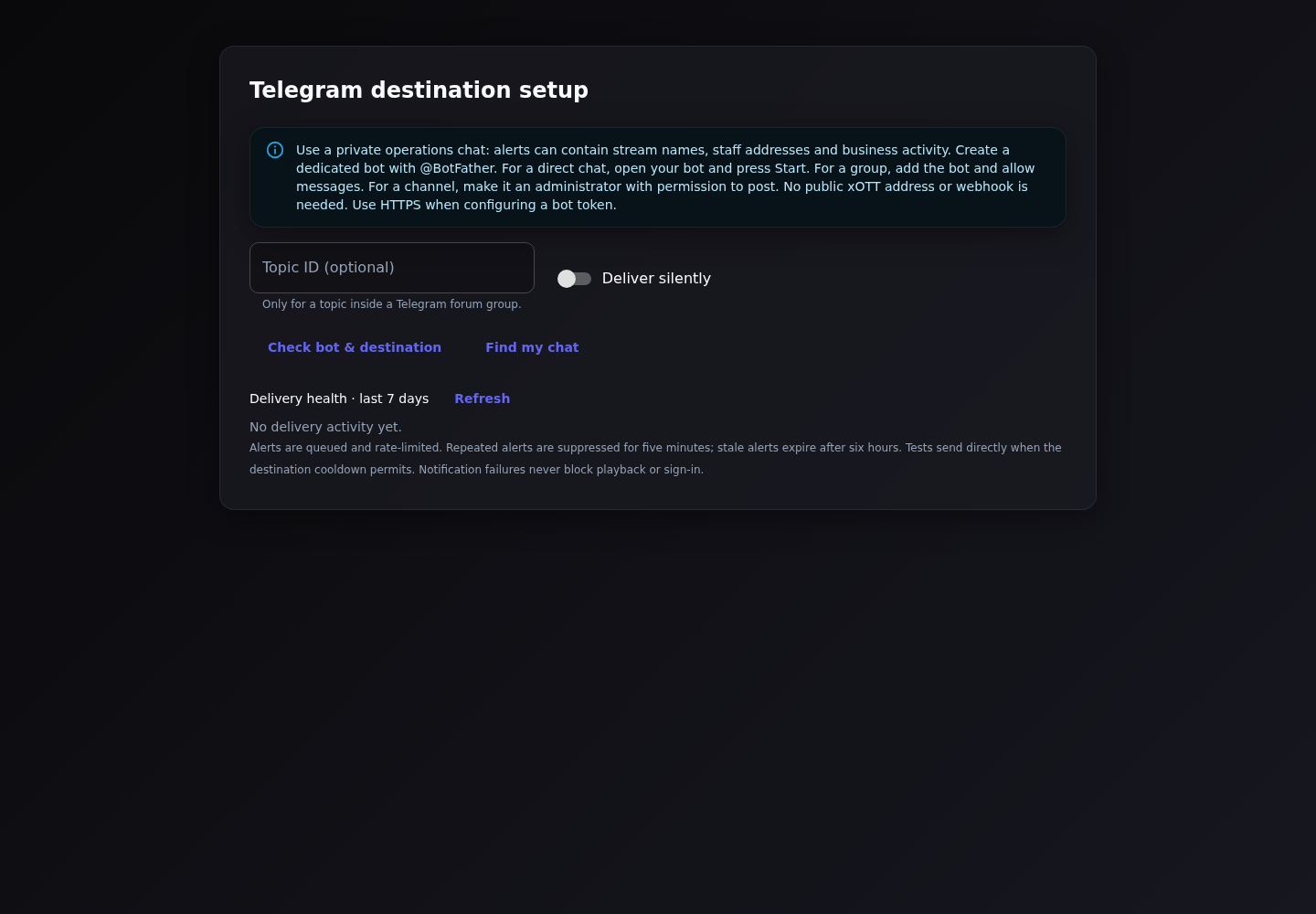
| Group | Add the bot, send a message relevant to setup, then use the destination discovery controls. Ensure it may send messages. |
| Channel | Add the bot with posting permission. Use the channel numeric ID or supported public @username. |
| Forum topic | Use the parent chat ID plus the optional Message Thread ID for the intended topic. |
Use the built-in setup/discovery controls rather than putting the bot token into a browser URL or posting it in screenshots. Discovery cannot show chats for which Telegram has no relevant available update.
Save, then send a test
- Choose/enter Destination Chat ID or @channel; set an optional topic ID and silent-delivery preference if needed.
- Save the Notifications section. Tests must reflect saved configuration, not a different unsaved form.
- Choose Send test notification and confirm receipt in the exact chat/topic.
- Review delivery health and last error. A saved token is not proof the bot has channel permissions.
Select useful categories
The available settings cover stream alerts, event notifications, authentication, service status, proxy changes, system health, VOD and access/subscriber operations. Use a low-noise set first. Alerts are generated by backend events and delivered with bounded queue/retry behavior; they are not a guaranteed substitute for external uptime monitoring.
Delivery failures
- Wrong/private destination: verify ID and the bot’s membership.
- Channel permission error: grant the bot permission to post.
- Wrong topic: verify thread ID and that the topic is accessible.
- Rate limiting: allow the queue/retry mechanism to recover rather than repeatedly pressing test.
- Replaced/revoked bot token: save the replacement and test again.
- Do not disable security controls or expose the token to diagnose a chat-ID issue.